Supaste v1.1 is now available
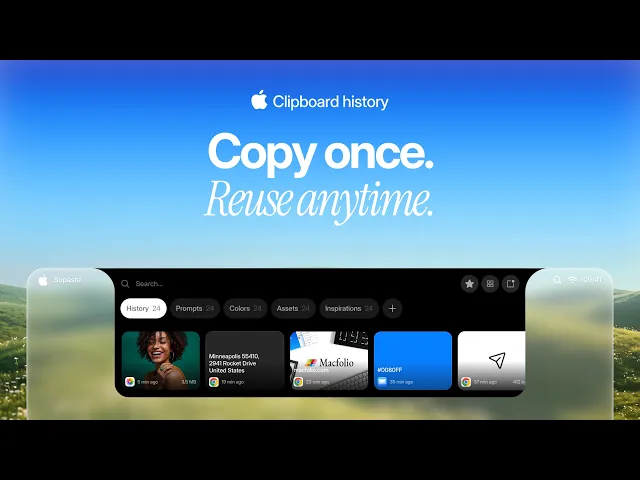
This update brings a new Library window, full shortcut customization, faster notch performance, pinned clips, better search, improved Quick Paste keyboard navigation, and more control over what gets saved to your clipboard history.
What’s new:
New full Library window for browsing and managing your clips
Full shortcut customization
Optional manual capture mode: turn off automatic saving and choose a shortcut that saves clips to Supaste only when you want
Option to completely disable the Top Notch feature
Faster and smoother Top Notch opening
Pin clips you always want to keep close
Dedicated shortcuts for pinned clips
Ignored App Rules: choose which apps should never save copied items to Supaste
New Settings window with easier customization
Custom shortcuts for any clip, so important items are always one keystroke away
Bulk actions: select multiple clips and copy, drag, delete, or move them to collections at once
Improved search with
@filters for quickly choosing apps and content typesBetter keyboard navigation in the Quick Paste window